Packing slip template, and what every field on it is actually for
A free printable packing slip, plus what each field does, who reads it, and why the price column is the one to leave off.
In short
- A packing slip says what is in the box. An invoice says what it costs. Putting prices on the first one is how a customer’s warehouse staff end up knowing your margins.
- The two fields most often left off are the ones that save the most time later: purchase order number, and quantity back ordered.
- Keep a signed copy. An unsigned packing slip proves what you meant to send, not what arrived.
A packing slip travels with the goods. Somebody opens the carton, finds the slip, and uses it to answer one question: is everything here. That is the whole job, and almost every problem with a badly designed slip comes from asking it to do a second one.
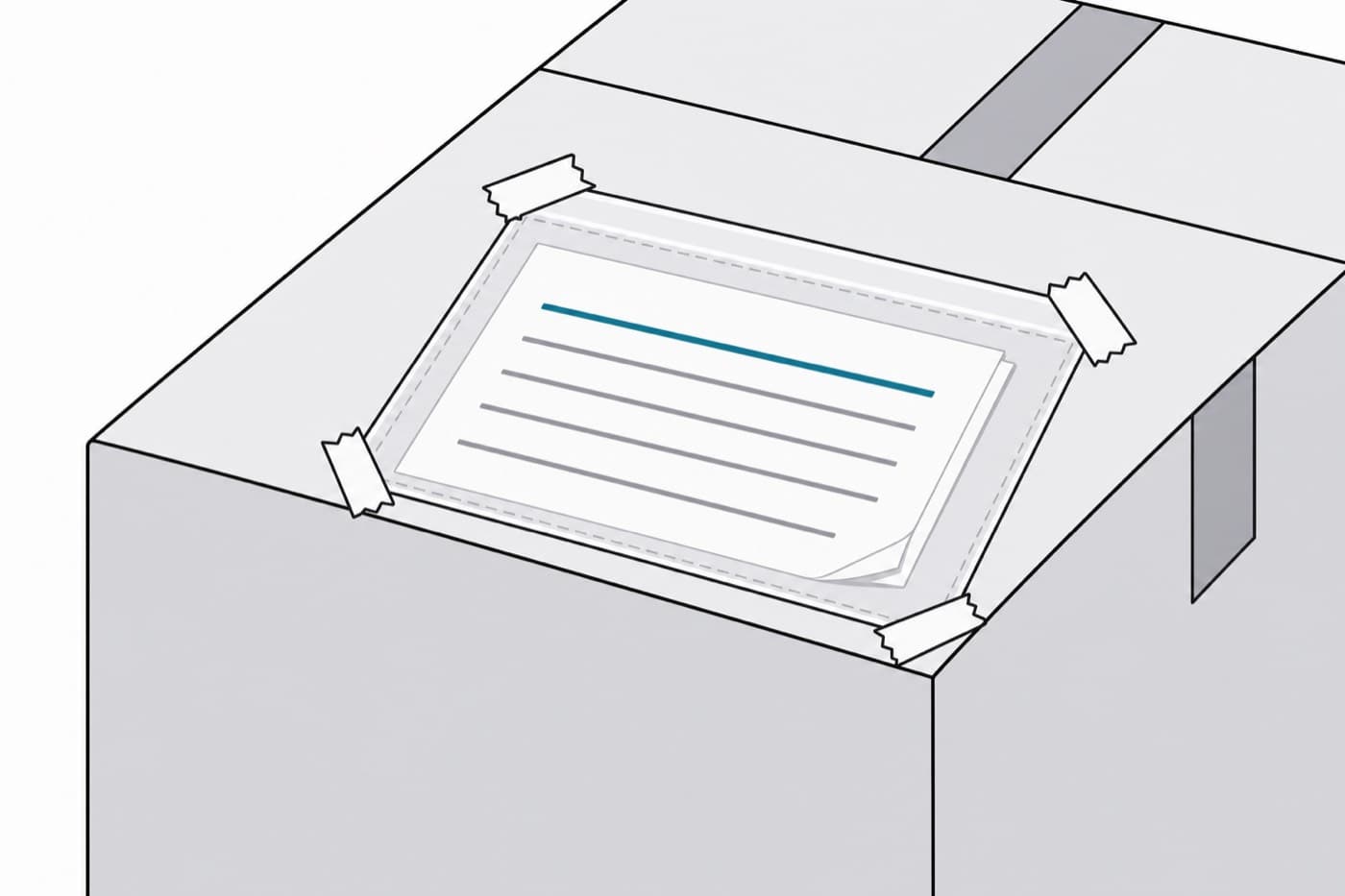
Packing slip
Print two. One goes in the box, one comes back signed.
From (ship from)
To (ship to)
Packing slip no.
Date shipped
Purchase order no.
Carrier / tracking
Ship via / terms
Cartons in shipment
| Item / SKU | Description | Qty ordered | Qty shipped | Qty back ordered |
|---|---|---|---|---|
Packed by
Received by (print name)
Notes / exceptions
Signature
Date and time received
Field by field
| Field | Why it earns its space |
|---|---|
| Purchase order number | The single most useful field on the form. Without it the receiver has to guess which of your open orders this pallet belongs to, and guessing is how a delivery gets booked against the wrong order. |
| Qty ordered and qty shipped, as separate columns | One column tells the receiver what arrived. Two columns tell them whether anything is missing without opening another document. |
| Qty back ordered | Turns a short delivery from a dispute into an expectation. A receiver who can see three are following does not phone anybody. |
| Cartons in shipment | Lets somebody check a count of boxes against a number before they ever open one. Catches a missing carton at the tail lift rather than in a week. |
| Notes / exceptions | The line the receiver writes on before signing. Leave real space for it. A one centimetre gap gets nothing written in it. |
| Signature and time received | Turns the slip from a claim into a record. Time matters more than people expect when a carrier and a supplier disagree about who had the goods when. |
What to leave off
- Prices, totals and payment terms. A packing slip gets read by whoever opens the box, which in most buildings is not somebody you meant to show your pricing to. That is what the invoice is for, and it travels separately for exactly this reason.
- Anything you have not actually put in the box. Listing the full order and letting the receiver work out what is missing shifts your job onto them and produces a phone call.
If you are on the receiving end of one
Most people searching for this template are about to send a shipment. If you are holding one instead, the useful habit is short: count against the slip, then check the slip against your own purchase order. Those are two different checks and skipping the second is how a supplier ends up shipping, and billing for, something nobody ordered.
Worth knowing
A packing slip is the supplier’s account of what they sent. It is not evidence of what turned up. Your own count is the only document that is, which is why the signature line and the exceptions line matter more than the rest of the form put together.
The differences between the three documents that follow an order around trip people up constantly, and they are worth twenty seconds: purchase order, packing slip, invoice, which is which.
DockCount does this job on a phone at the bay: count a delivery against the order it was placed on, photograph anything wrong, and the record writes itself. reading a packing slip from a photograph.