Packing slip OCR
Reading the slip is the easy half.
Getting the supplier’s numbers off a photograph is a solved problem, and several companies solve it well. It is also not the part that saves you money. The line that does is the one comparing those numbers against the purchase order you actually placed, and then against what is physically on the pallet.
Worth knowing who is telling you this. We make DockCount, which reads slips on its Business plan and above. The questions further down include whether you need it at all, and the answer given there is often not.
Three different things get called this
For developers
An extraction API
You send a document, it returns fields. Excellent if you have engineers and a system to feed. The matching, the quantity check and the record are yours to build.
For finance teams
A document automation platform
Extraction plus routing and approvals, usually aimed at accounts payable and invoices. Powerful, and priced and implemented accordingly.
For a loading bay
Receiving software that reads slips
Extraction as one step inside counting a delivery against its order. The output is a receiving record rather than a JSON payload.
Most of the frustration with this category comes from buying the first when you needed the third. An API that returns perfect fields has not reduced anybody’s work at the dock until something consumes those fields and compares them to an order.
What extraction genuinely solves
Typing. That is not a small thing on a forty-line slip, and it removes a specific class of error that is hard to catch afterwards: a transposed part number, a quantity typed into the wrong row, a line skipped entirely because the phone rang.
It also removes the excuse. A receiver facing forty lines to type at four in the afternoon will do it later, from memory, and a record written later from memory is the single most corrosive failure in receiving. Making the first step take two seconds is worth more than the typing it saves.
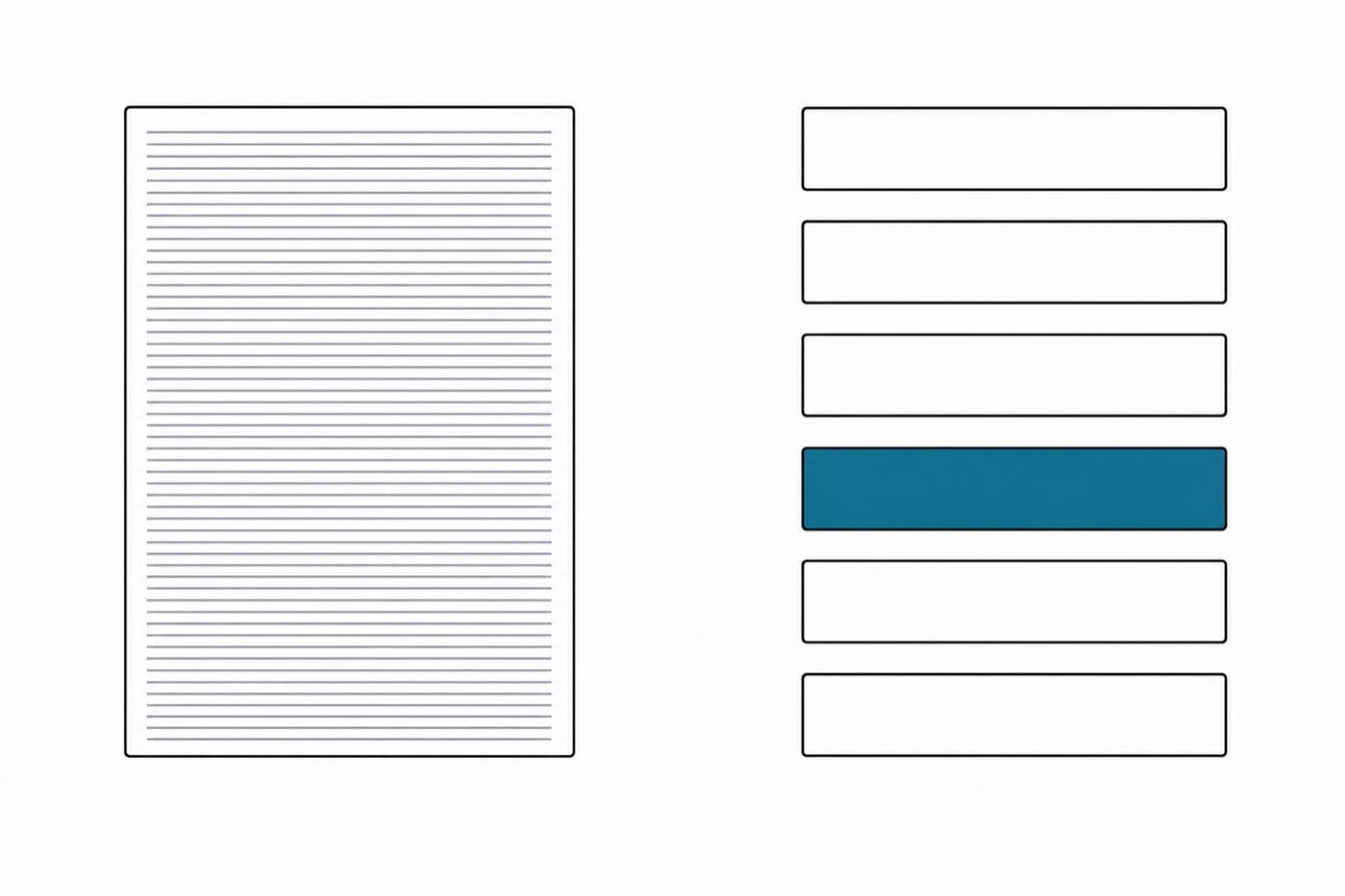
A page of print becomes a set of fields. Useful, and only the first step.
What it does not solve, and cannot
| The question | Can extraction answer it? |
|---|---|
| What does the slip say? | Yes. This is the whole job. |
| Does that match what we ordered? | Only if it also holds your purchase orders. |
| Did those quantities actually arrive? | No. Nothing on the paper knows what is on the pallet. |
| Was anything damaged? | No. That needs a photograph of the goods, not the paperwork. |
| Was anything sent that we never ordered? | Only against the order, not against the slip. |
| Who checked it, and when? | No. That is a record, not an extraction. |
Read that table downward and the shape is clear. Extraction answers one question extremely well and none of the others at all. The risk is that a tool which turns a photograph straight into a confirmed receipt feels like it has done the whole job, and has in fact automated the step that was never the problem while quietly removing the one that was: somebody counting.
Where accuracy actually breaks
Not on the clean sample in a vendor demonstration. On the things a loading bay produces:
- A slip photographed through a plastic wallet, at an angle, with the bay lights behind it.
- Carbon copies where the sheet you were given is the third one and the numbers are grey.
- Handwritten amendments, which are frequently the most important thing on the document and the least legible.
- A staple through a line item.
- Part numbers that differ from yours because the supplier uses their own coding, which is a matching problem rather than a reading one.
- Units of measure stated differently from your order, cases against eaches, which reads perfectly and means something else.
The last two are the interesting ones, because they are not failures of reading at all. The characters are recognised perfectly and the meaning is still wrong, which is why a unit of measure mismatch survives every accuracy benchmark and still produces a false shortage.
| Part | Purchase order | Packing slip | Reads as |
|---|---|---|---|
| BRG-6204-2RS | 20 each | 20 each | Matched |
| SHF-1045-500 | 20 each | 15 each | Short by five, correctly |
| CLR-SS-20 | 12 cases | 144 each | Short by twelve, wrongly |
How it works here, and when we switch it off
Photograph the slip at the pallet. The lines come back matched against the purchase order already on file, including where the supplier writes a part number differently from your system. Every quantity remains editable, because the pallet is what counts and the paperwork is only a claim. Confirming it writes the receiving record and emails purchasing.
It is on the Business plan and above, at 600 slip reads a month. That is not a paywall for its own sake: reading a slip costs real money every time, and it is the one feature here that does. The free and Starter plans type the quantities instead, which for a shop taking a handful of deliveries a week is the right answer and always will be.
If you want the extraction alone, to feed a system you already have, an API vendor is a better fit than we are and you should buy one. We do not sell that.
Questions
- What is packing slip OCR?
- Software that reads a photographed or scanned packing slip and returns its contents as structured data: supplier, order reference, line items, quantities. Modern versions use a language model rather than character recognition alone, which is why they cope with layouts they have never seen before.
- How accurate is it?
- On a clean, flat, well-lit slip, very. Accuracy falls with the things a loading bay produces: creases, staples through a line, a slip photographed at an angle inside a plastic wallet, handwritten amendments, and carbon copies where the third sheet is barely legible. Any tool that reports a single accuracy figure without naming the conditions is quoting a laboratory number.
- Does OCR replace counting the delivery?
- No, and treating it as though it does is the expensive mistake. Extraction tells you what the supplier's document says. Only counting tells you what is on the pallet. A tool that turns a photograph into a confirmed receipt has automated the wrong half and removed the check the process existed for.
- What is the difference between an OCR API and receiving software?
- An extraction API returns fields and stops; the matching, the quantity check, the discrepancy handling and the record are yours to build. Receiving software does the extraction as one step inside that workflow. If you have engineers and an existing system, the API is the right shape. If you have a loading bay, it is not.
- Do I need OCR at all?
- Often not. Typing five lines takes about a minute, and on a handful of deliveries a week the extraction saves less than people expect. It earns its place when slips are long, when the same suppliers send the same layouts repeatedly, or when the person receiving is doing it one-handed. In DockCount it is on the Business plan and above for that reason: the free and starter plans type the quantities, which is what most small operations should do.
- Is it safe to send supplier documents to a model?
- It depends entirely on the provider, and it is a fair question to ask before uploading anything. What matters is whether the document is retained, whether it is used for training, and who the subprocessor is. Any vendor unwilling to answer those three in writing is answering them.
Written by Hamza Rivera. Try it on one delivery: the free plan does not include slip reading, so start there only if you want to see the counting flow first.