Warehouse receiving software
Most people searching this do not need a WMS.
A warehouse management system solves slotting, directed put-away, wave picking and labour management. Those are real problems and they belong to buildings with fifty people in them. If what you actually need is to know that what arrived matches what you ordered, you are looking at one module of a system you would spend six months implementing.
Worth knowing who is telling you this. We make DockCount, which sits in the receiving rows of the table below. For the questions in the WMS rows, a WMS is the better buy, and the table says so.
Where the line falls
| If the question is | You need |
|---|---|
| Which bin is it in? | A WMS |
| What should this picker do next? | A WMS |
| How do we cycle count without stopping? | A WMS |
| Did the right quantity actually arrive? | Receiving software |
| Can we prove this delivery was short? | Receiving software |
| Why does this invoice not match the order? | Receiving software |
| How many units of this do we hold? | Inventory software |
The rows are not ranked by size of company. A twelve-person shop with a genuine picking problem needs a WMS more than a sixty-person one that only ever moves pallets from the door to the floor.
What the receiving module of a WMS gets wrong for a small warehouse
Not the features. The posture. A WMS receiving screen is designed for a terminal at a desk or a rugged handheld issued to a trained operator, in a building where receiving is somebody’s whole job.
In a small warehouse the person taking the delivery is also the person who was doing something else ten minutes ago and will be doing something else in ten minutes. They have a phone in their pocket and a driver waiting. Software that assumes otherwise gets used for a month and then quietly replaced by a notebook, which is the outcome that actually costs you, because now you are paying for both.
The test is not feature count. It is whether the record gets made at the pallet or written up afterwards, and the gap between those two moments is the single best predictor of whether your data is worth anything.
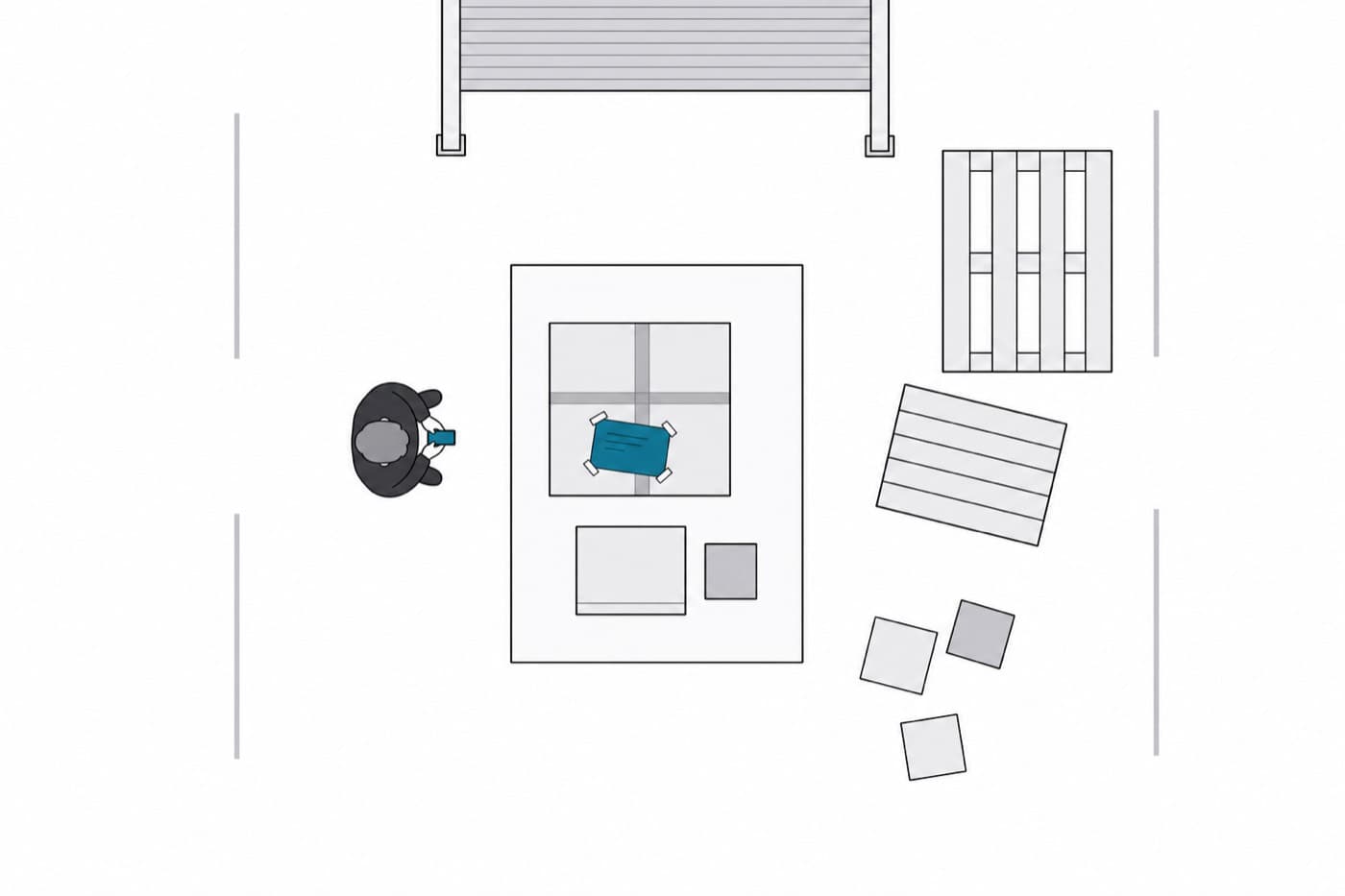
Two doors and a yard is still two places a pallet can be, and the record should say which.
What DockCount does at the dock
Counts against the order, not the slip
The packing slip is the supplier's account of what they sent. Counting against it confirms their number rather than checking it.
Handles more than one dock
Receiving locations are first-class, so a record says which door it came through and reports can be split by site.
Roles that match the floor
Warehouse staff sign for and count deliveries without reaching the plan, the team or the ability to delete anything.
Photographs on the line
Damage is recorded as its own quantity with the photographs attached to the line they describe, timestamped.
What it does not do: stock levels, bin locations, picking, slotting, cycle counting, carrier labels. If you need those, buy those.
Questions
- What is warehouse receiving software?
- Software that records goods arriving at a warehouse and checks them against the purchase order they were placed on. It covers the count, the condition, any discrepancy, and the record that accounts payable later matches an invoice against. In a full warehouse management system it is one module among many; as a standalone tool it is the whole product.
- When do I need a full WMS instead?
- When the problem is what happens after the goods are booked in. Slotting, bin locations, directed put-away, wave picking, cycle counting and labour management are WMS problems. If nobody in your building has ever asked which bin something is in, you do not have them, and buying a WMS to fix receiving means paying for a warehouse you do not run.
- Does receiving software need barcode scanning?
- It helps at volume and it is not the deciding factor most people assume. Scanning speeds up an accurate count; it does not create a record where none was made, and it cannot photograph a crushed corner. At five to fifty deliveries a week the binding constraint is almost always that the record gets written later from memory, not that counting is slow.
- Can it handle more than one dock or site?
- It should. Two doors and a yard is still two places a pallet can be, and a record that does not say which one is a record somebody has to go and look for. DockCount treats receiving locations as first-class, and the plan you need depends on how many you have.
- What about blind receiving?
- Worth doing and often misunderstood. Blind receiving hides the expected quantity so the person counting produces a real count rather than confirming a number somebody else wrote. The version that does not work is showing the expected figure and letting the receiver adjust it, which is an open count wearing a disguise.
One order, one delivery, on a phone at the door. If it does not fit how your dock actually works you will know inside an afternoon.