The receiving process, step by step
Seven steps from the truck arriving to the record being filed, and the two places where nearly every mistake gets made.
The short answer
Receiving runs in seven steps: check the delivery belongs to you, note visible damage before signing, find the purchase order, count what arrived line by line, record the condition, resolve anything that does not match, and file the record where finance can find it. The two steps most often skipped are noting damage before signing and counting independently of the paperwork.
Written by Hamza Rivera, founder, dockcount. How these are checked.
Receiving is a short job done under time pressure, which is why it is worth having an order to it. A driver waiting is the single biggest cause of a bad record.
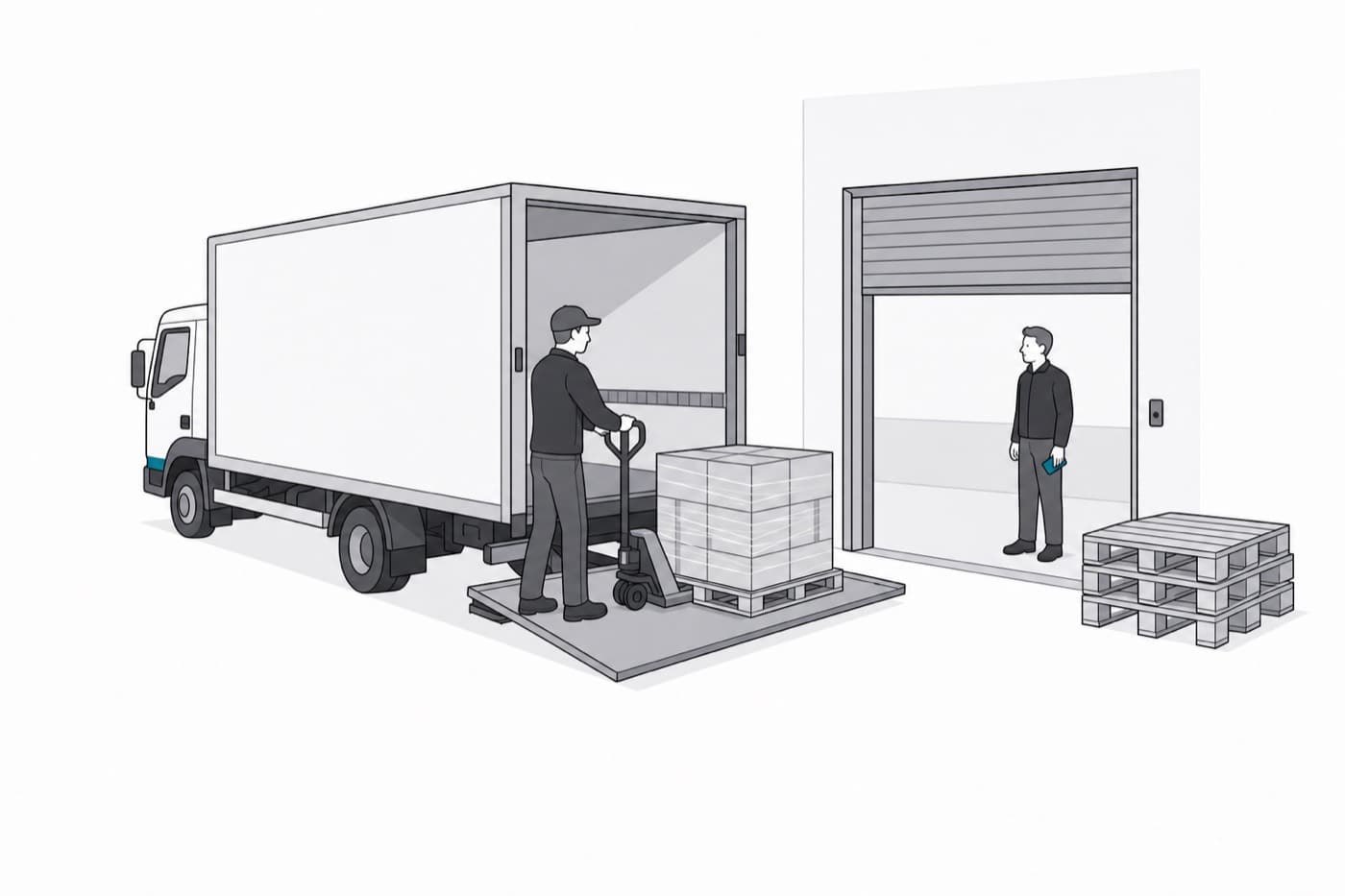
- 1Check it is yours. Delivery address, company name, and the order reference if there is one. Signing for somebody else’s freight is rarer than it sounds and much more annoying than it sounds.
- 2Look at the outside before you sign. Crushed corners, torn wrap, a leaning pallet, water marks. Anything visible gets written on the carrier’s paperwork now, because after the signature it is your word against a clean POD.
- 3Find the order. Pull up the purchase order the delivery is against. If you cannot find it in under a minute, that is the thing to fix first, because everything after this depends on it.
- 4Count, line by line. Against the order, not against the packing slip. One number per line, entered as you count rather than remembered and typed later.
- 5Record the condition. How many arrived damaged, separately from how many arrived. Photograph anything you would want a supplier to see.
- 6Deal with what does not match. Short, over, damaged or not on the order at all. Each of those is a decision somebody has to make, and the person at the bay is rarely the one who makes it. Their job is to make it visible.
- 7File it where it will be found. The record has to be findable by order, by supplier and by date, because that is how the three different people who will need it later each go looking.
The two steps that get skipped
Step two goes first, because the driver is in a hurry and the damage looks minor. Step four goes second, because the packing slip says ten and counting to ten feels like a waste of everyone’s time.
Both are skipped for the same reason. They cost thirty seconds now against a problem that might not happen. The trouble is that when the problem does happen, those thirty seconds were the only chance to catch it cheaply.
Worth knowing
If you genuinely cannot count a load before the driver leaves, write “received unchecked, subject to count” on the paperwork and sign that. It is far weaker than a real count and far stronger than a clean signature.
Who does what
| Person | Their part |
|---|---|
| At the bay | Counts, records condition, flags anything wrong. Does not decide what happens next. |
| Purchasing | Decides whether to chase, reorder, return or accept. Needs the record the same day. |
| Accounts | Matches the invoice against the record. Needs it weeks later and needs it searchable. |
DockCount does this job on a phone at the bay: count a delivery against the order it was placed on, photograph anything wrong, and the record writes itself. What warehouse receiving software does with this.